Features Download Plans Blog About Türkçe Try Free
All-in-One AI Music Studio for Mac & Windows

The easiest way to practise instruments and vocals

Drag in the MP3 you want to work on, and VoxoMix splits the song into its instruments, pulls out the chords and lyrics, and detects the tempo in seconds. Just grab your instrument and play.

No signup No credit card Works offline Apple notarized
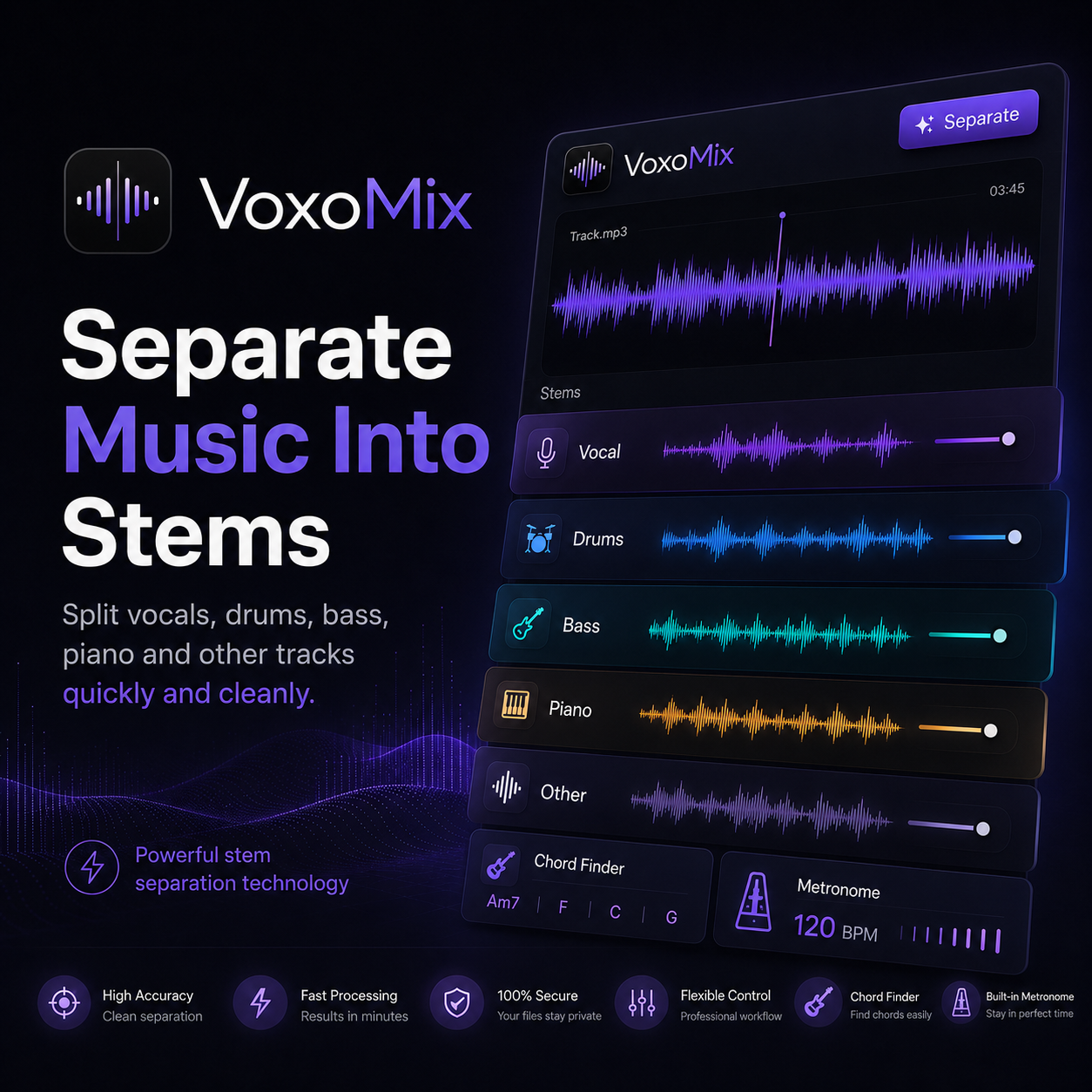
VoxoMix - Separate Music Into Stems

See Music in a New Light

AI Stem Separation

Separate any song into vocals, drums, bass, guitar and piano layers using AI.

Real-Time Pitch Shift

Transpose a song to any key. The original tempo is preserved — only the pitch changes.

Lyrics & Chords

Automatic lyrics transcription and chord detection with AI. Never miss a practice again.

Metronome & Structure Analysis

Understand a track fully with BPM detection, metronome and a song structure bar.

Lossless WAV Export

Download processed stems in high-quality WAV format to your computer.

Desktop Application

Native app for Mac and Windows. No internet required — data stays on your computer.
VoxoMix — how it works in 6 steps: separate the song into stems, automatically see the chords, practice with guitar and piano chords, mute a track and practice, match the tempo with smart BPM and click track, export lyrics chords and WAV stems

Real Studio Experience

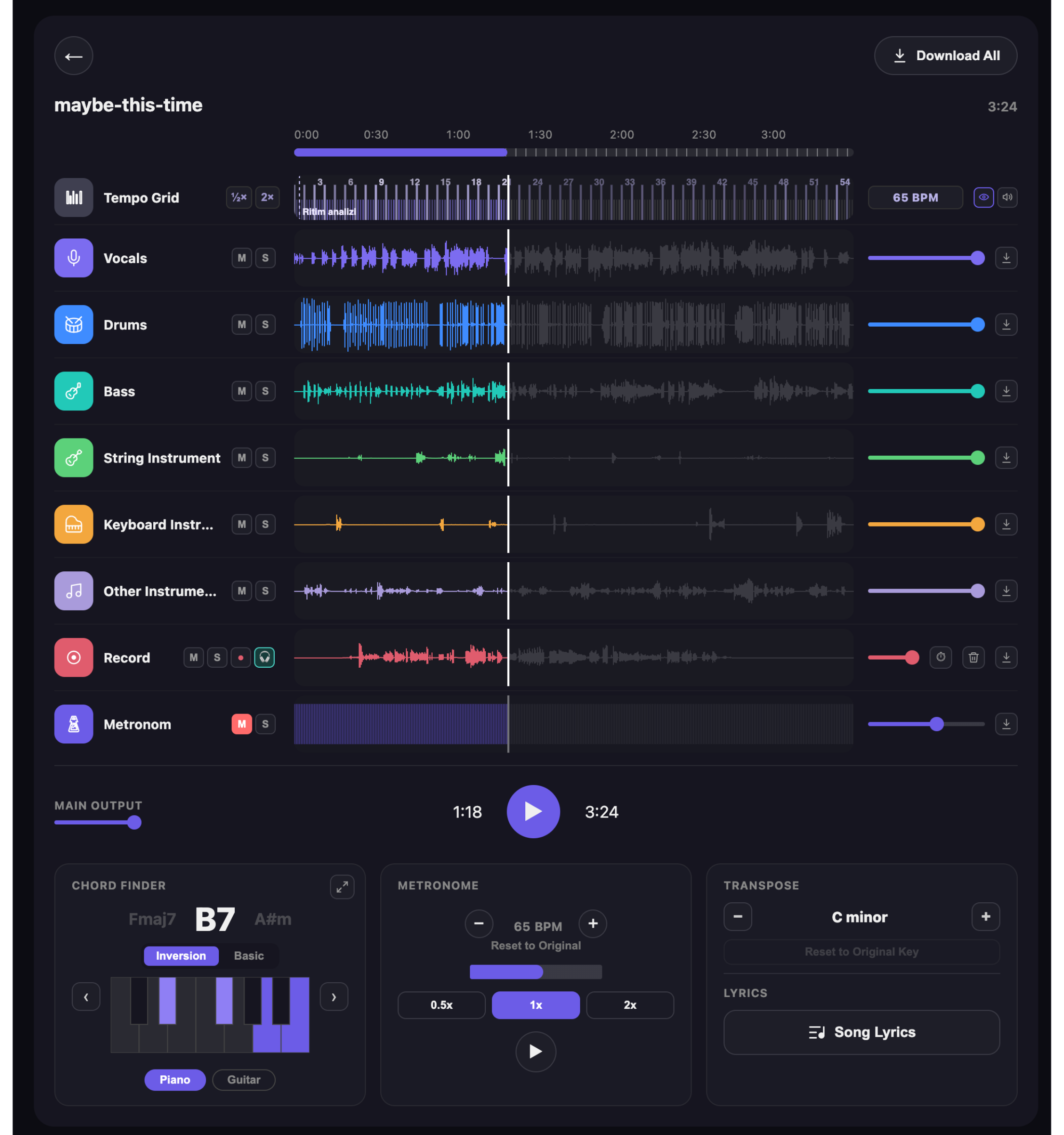
VoxoMix app screen showing a song separated into stems

A next-generation song practice tool

Open a song and let VoxoMix do the rest: chords, tempo, automatic BPM and recording, all in one window.

VoxoMix tempo grid: the BPM of the song is detected automatically, the beats are laid out on a grid, with half and double speed buttons and a 65 BPM readout

Automatic BPM and rhythm analysis

You never have to tap out the tempo. VoxoMix finds the BPM the moment the track loads and lays the beats out on a grid, so the metronome runs in time with the song.
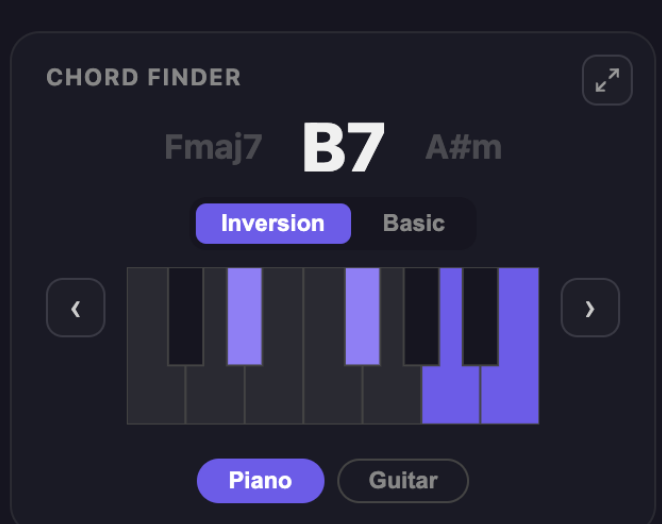
VoxoMix chord finder: the chord being played shown large as B7, the previous and next chords beside it, the notes highlighted on a piano keyboard, and a toggle between piano and guitar shapes

See the chords big — piano and guitar

Chords scroll past as the song plays, and the one you need next is shown large. Switch between piano and guitar shapes with a single tap, and expand the chord panel to full screen so it stays readable from across the room while you play.
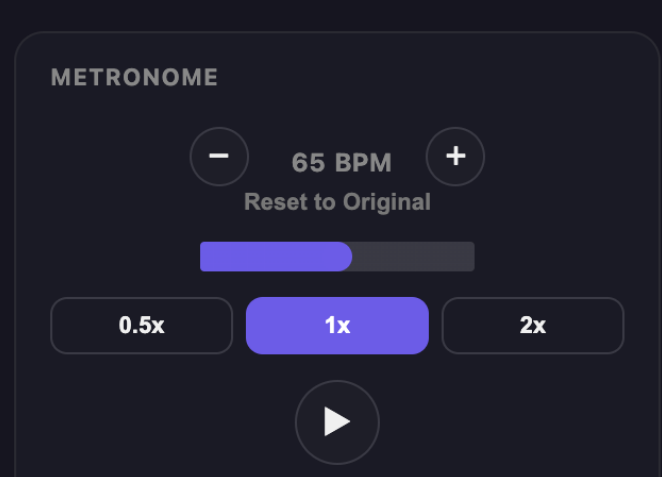
VoxoMix metronome panel: 65 BPM readout with plus and minus buttons and 0.5x, 1x and 2x speed options

Slow the tempo down and play in comfort

Drop a hard passage to 0.5x so your fingers can keep up. The pitch of the song stays where it was, and you go back to 1x when you feel ready.

VoxoMix record track: record your own take over the song, monitor through headphones, see the recorded waveform, with delete and download buttons

Record what you play and listen back

Record your own take over the song. Monitor yourself through headphones as you go, listen back when you are done, then delete it and try again if you want.

Ready in 3 Steps

1

Upload Your Song

Drag and drop an MP3, WAV or any audio file, or open it with the file picker.

2

AI Processing

AI analyzes your song and separates it into vocal, drum, bass and instrument layers.

3

Download & Use

Listen to each layer separately, mute or solo tracks, or download them as WAV to your computer.

Download Free

Native app for Mac and Windows. Start for free — no signup required.

v1.2.2 • Free • No signup required
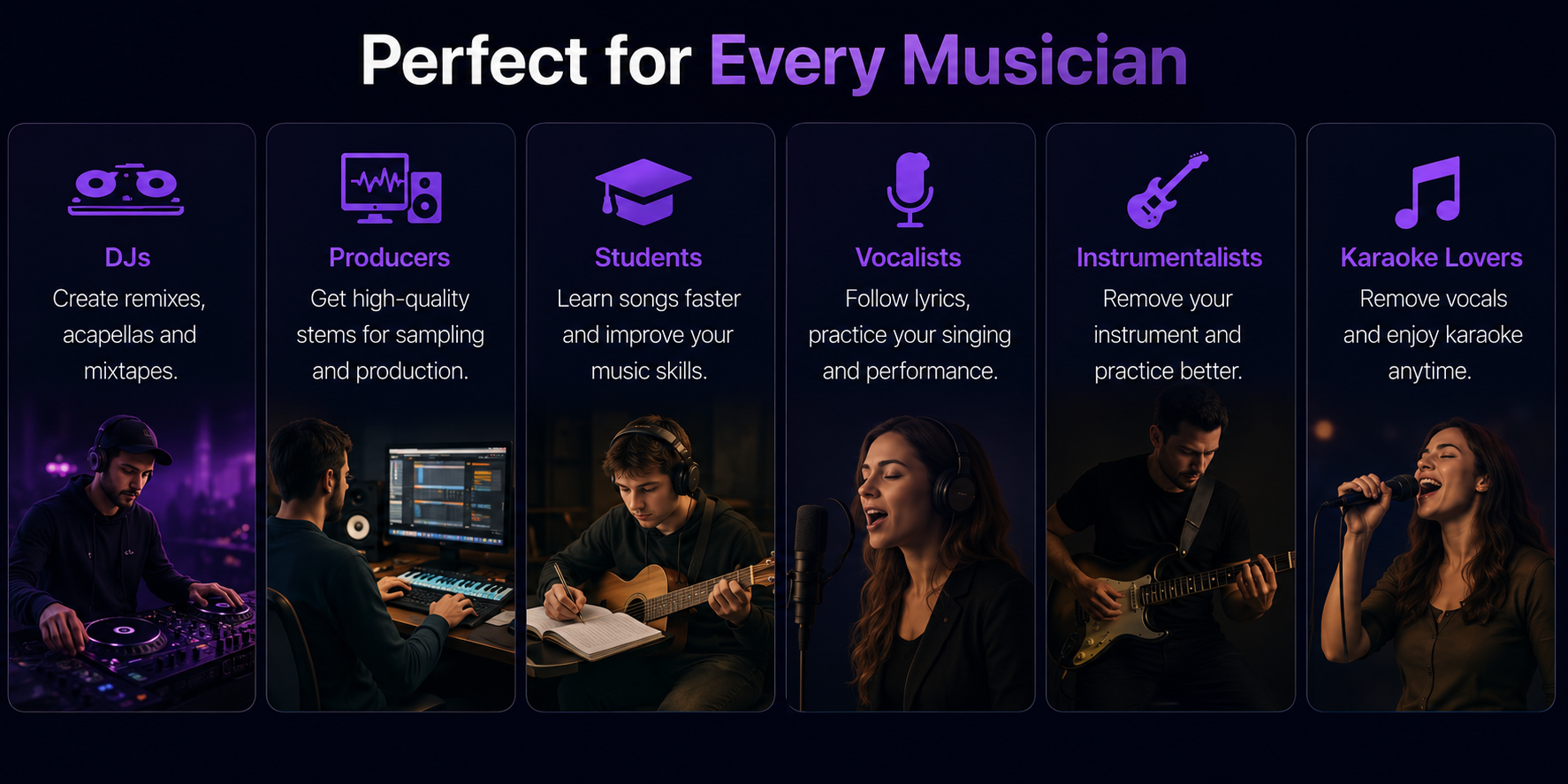
VoxoMix — Perfect for every musician: DJs, producers, students, vocalists, instrumentalists and karaoke lovers

Choose Your Plan

Try Producer Free for 14 Days
All Producer features free for 14 days. Download the app and add your card — it converts to Producer automatically on day 14, cancel anytime.
Download & Start Free
Free
$0
free forever
  • 2 songs / month
  • Up to 4 minutes
  • 4-channel separation
  • Smart & Change BPM + Metronome
  • Chord finder (piano)
Start Free
Basic
$2.99
/ month
  • 10 songs / month
  • Up to 5 minutes
  • 6-channel separation
  • Smart & Change BPM + Metronome
  • Chord finder (piano)
  • Lyrics transcription
  • Transpose
  • MP3 export
Upgrade
Producer
Producer
$13.99
/ mo
  • Unlimited songs
  • No duration limit
  • 6+ channel separation
  • Chord finder (piano + guitar)
  • Lyrics transcription
  • Transpose
  • Instrument Tuner
  • MP3 + lossless WAV export
  • PDF export (chord sheet)
  • Batch export (all channels)
  • All features unlocked
Upgrade

Frequently Asked Questions

After you sign in and verify your license, the app works completely offline. The internet is only needed for the first sign-in and license verification.

MP3, WAV, FLAC, AAC and M4A are supported. You can export as WAV (lossless) or MP3.

Yes, you can cancel anytime. After cancelling, you can keep using the app until the end of your current period.

For an average song (3-4 minutes) it takes 1-3 minutes on Apple Silicon Macs and 3-6 minutes on Windows computers. The processing happens entirely on your own computer.

All payments are processed with 256-bit SSL encryption. Your card details are never stored on our servers.